

Sharing Events

Step 1
To share an event select it from the home screen or the “Events” tab.

Step 2
Click on the event you want to share and select the blue “Share Event” button on the page.
Step 3
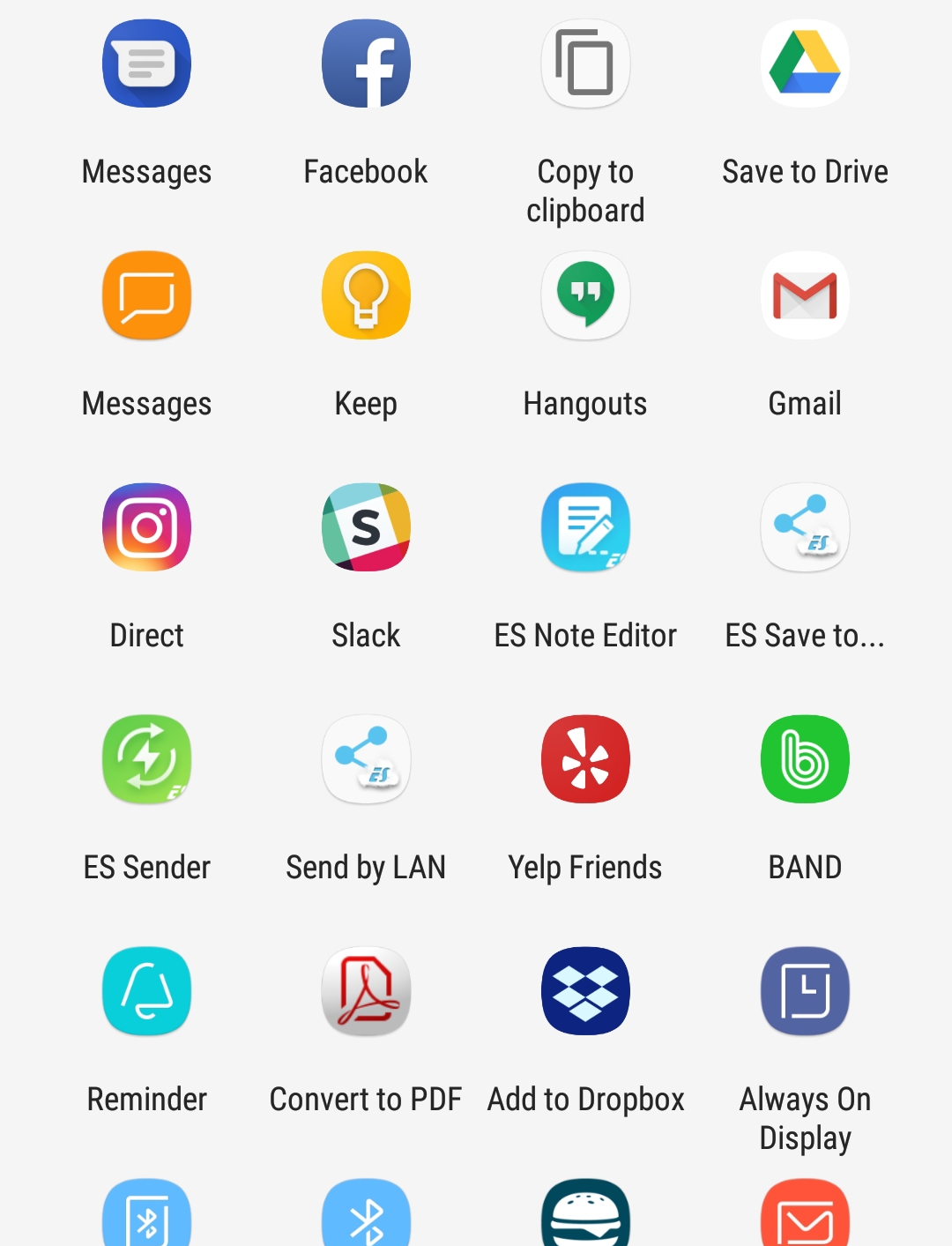
You can share the event on Social Media or send an invitation via text or e-mail to the person/s you want to invite.

Step 4
Once your event has been shared people can click on the link provided to learn more and even RSVP to the event themselves.