

Referrals
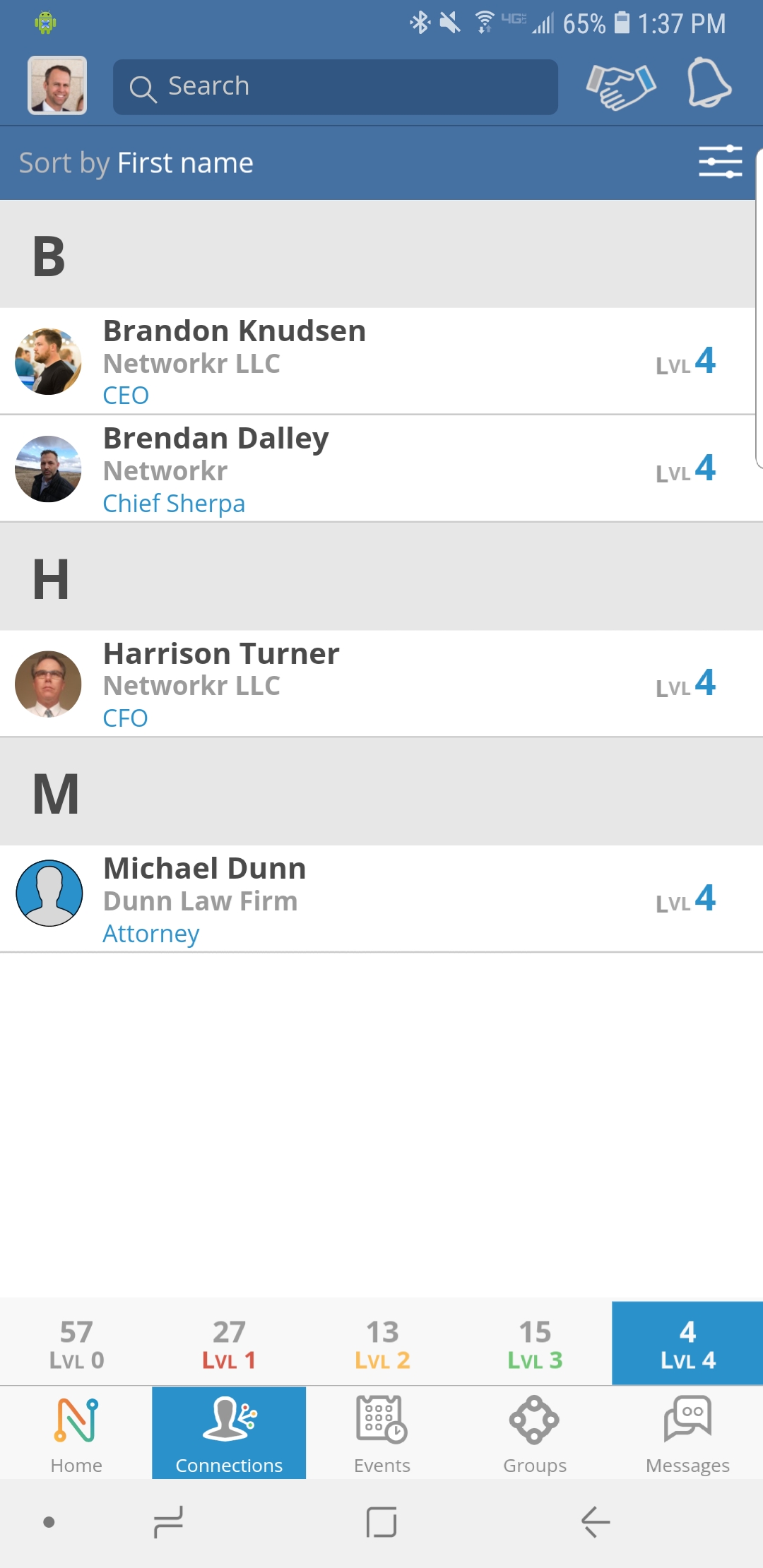
Step 1
From the Home Page press the “Connections” tab and select the person you want to send a referral to.
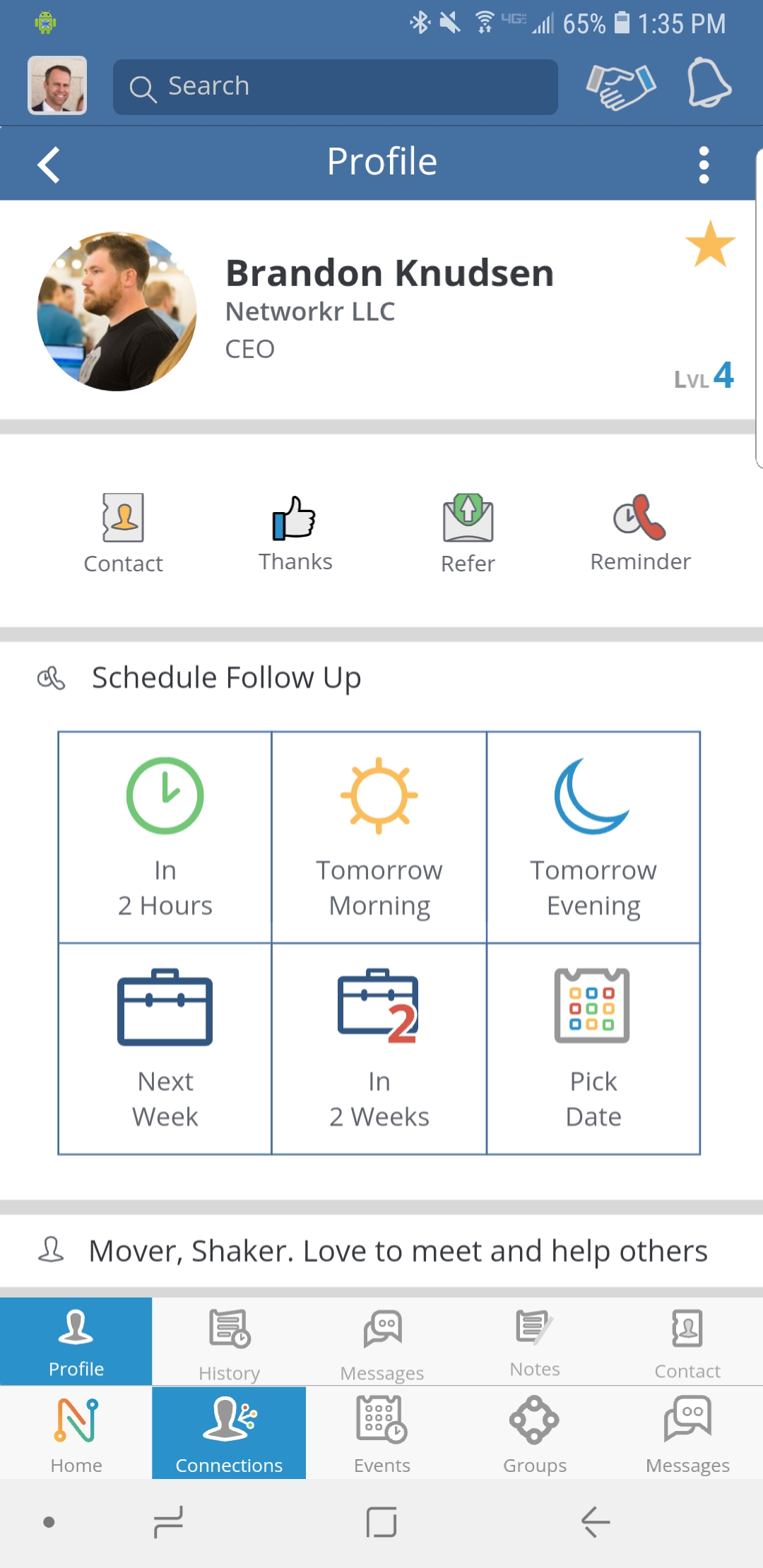
Step 2
Click on the “Refer” icon located just below the profile description.

Step 3
The “Referral” page will let you provide contact information and a short note about the needs of the person you are referring. You can also set the “temperature” of this referral’s interest from cold to hot.

Step 4
When you are done filling out the information click on the “Send” tab

Step 5
You will see a confirmation that the referral was sent.