

Manage Payments
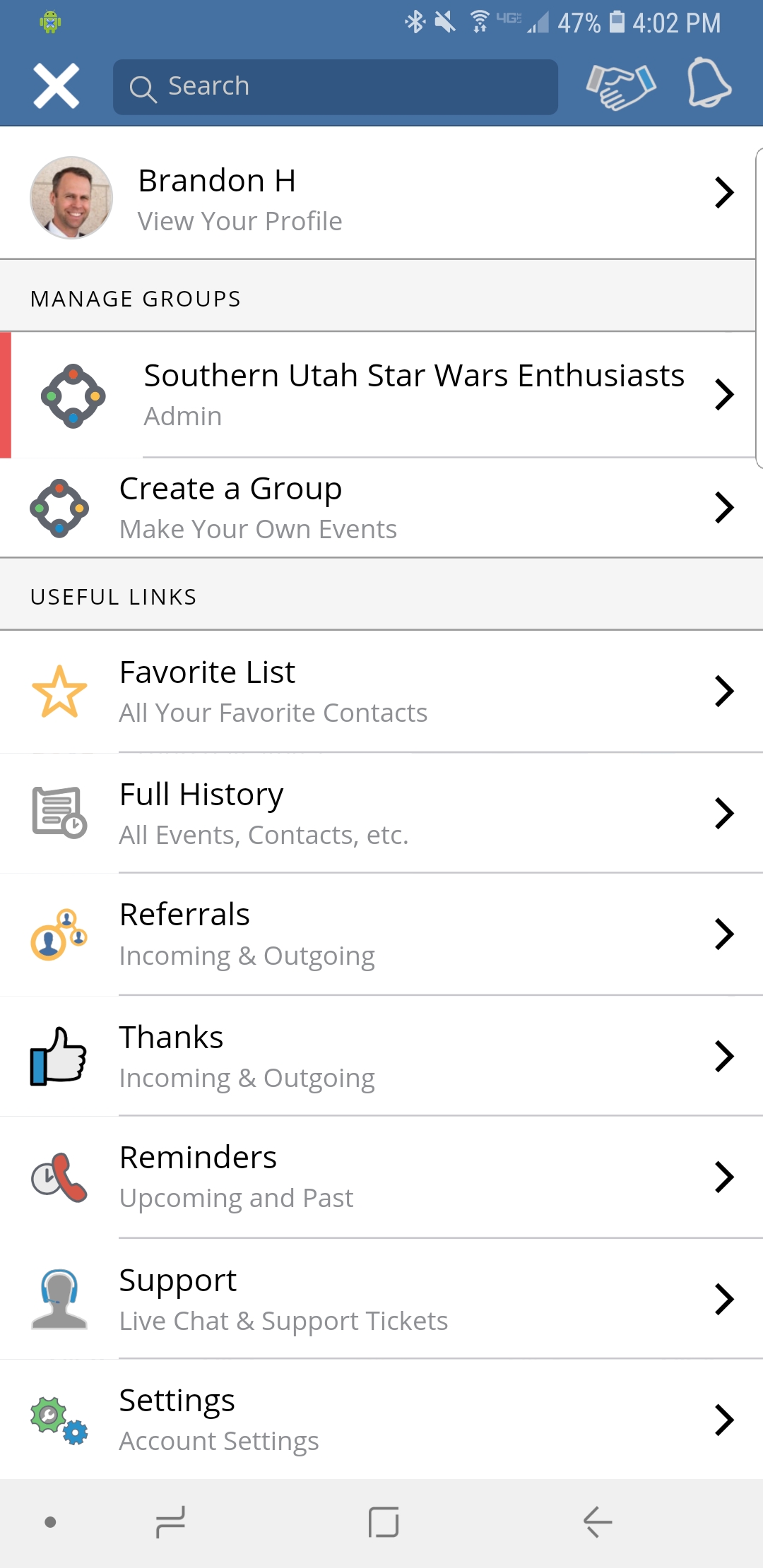
Step 1
Select Menu from the home screen and go to the “Settings” option listed at the bottom.

Payment Settings
You will see the “Payment Settings” option listed about half way down the page.
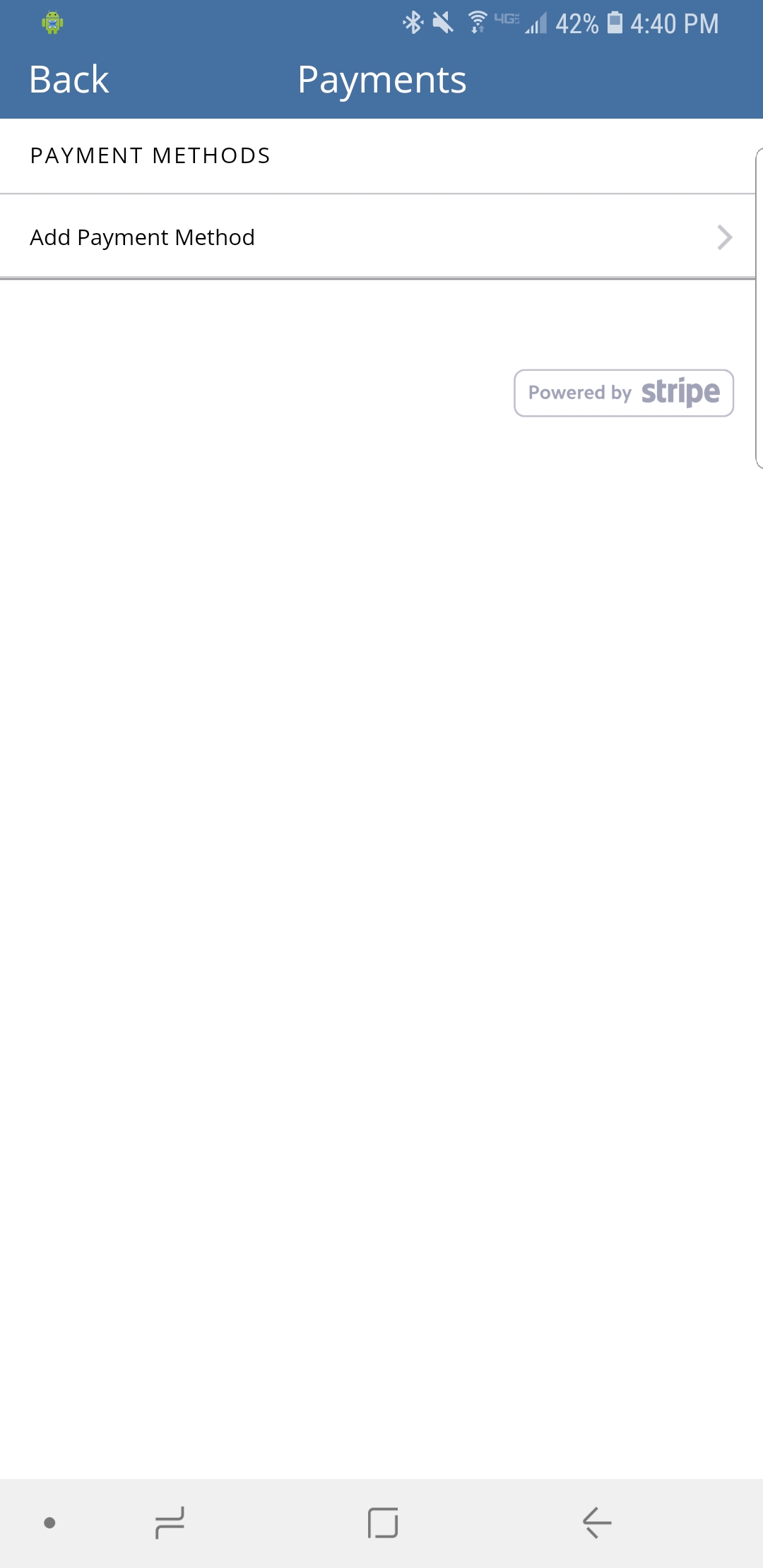
Payment Methods
You can set up a payment method from this screen for “paid for” events and other transactions within the Networkr app.
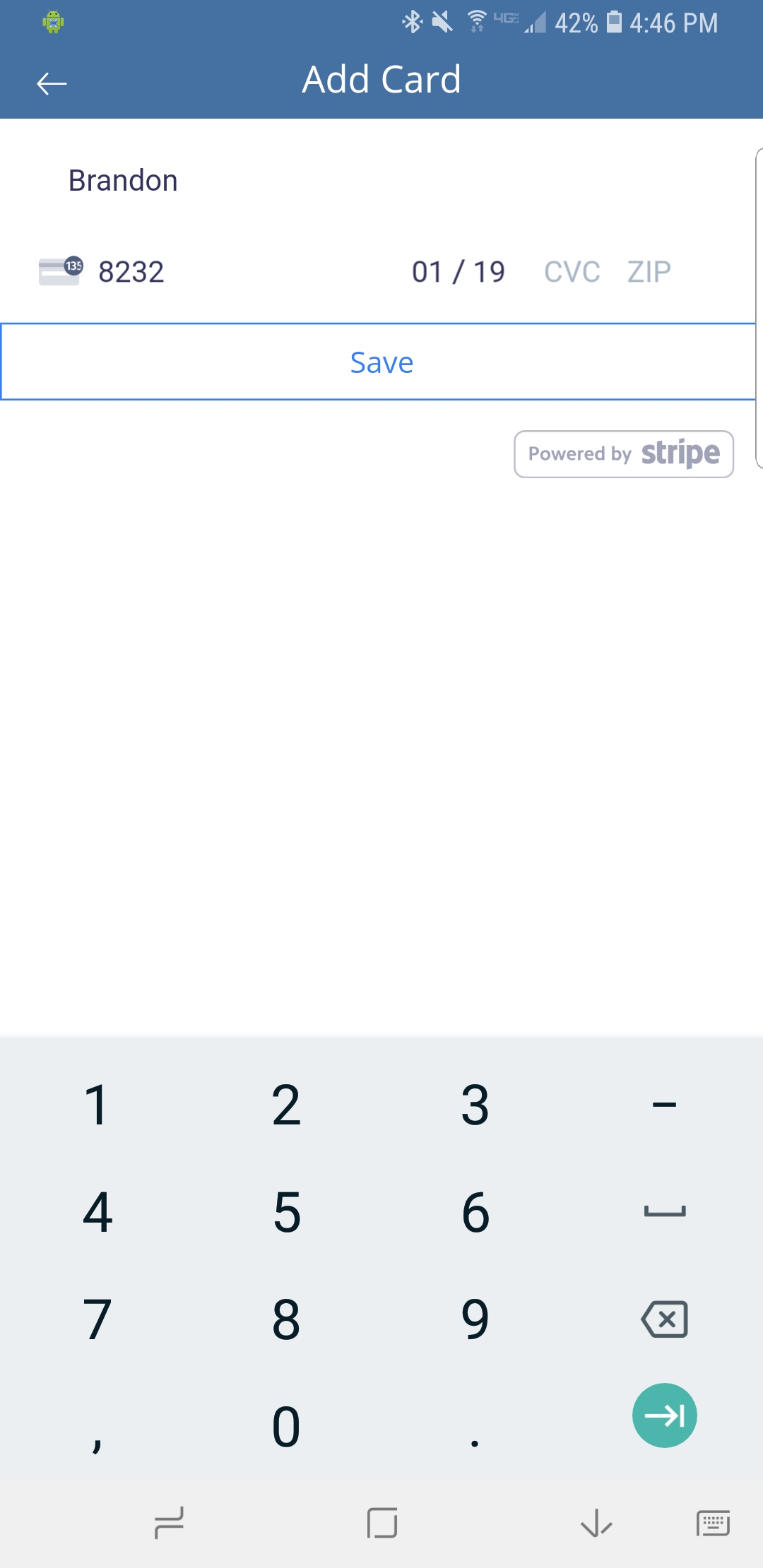
Add A Card
Add your credit or debit card information on the “Add Card” screen and click “Save”
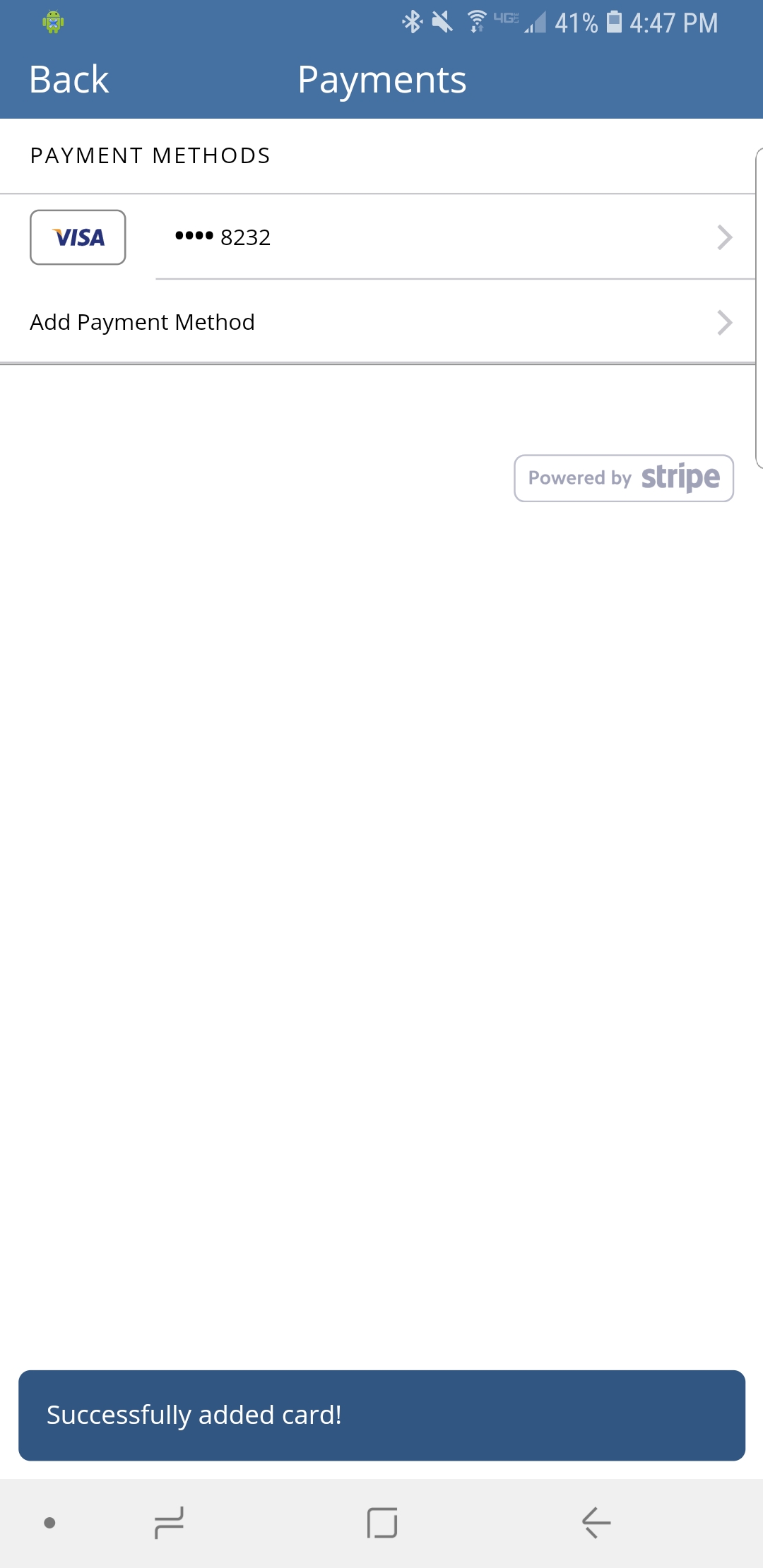
Additional Payment Methods
You may add additional payment options to your account. This may be useful if you are using Networkr for both professional and personal events.
Transactions
The “Transactions” option will let you see a history of purchases you have made through Networkr.
Invoices
If you have any outstanding invoices that need to be paid you will see those listed here. You can select and pay for the invoice in just a couple of clicks.